
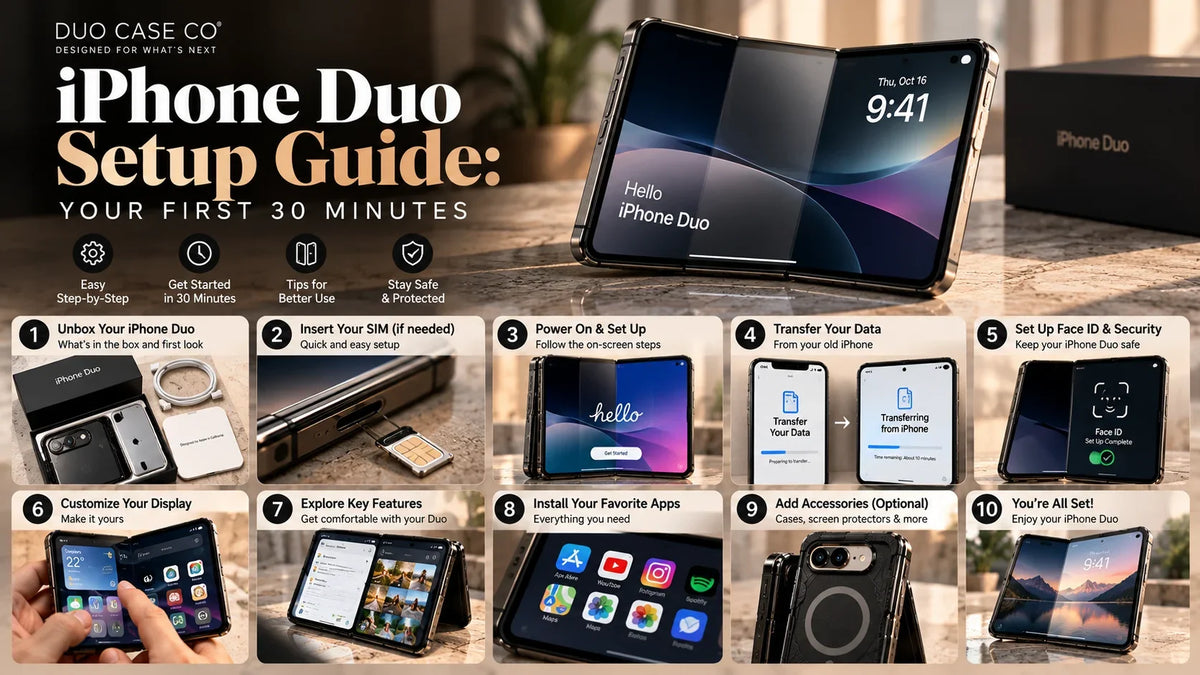
The iPhone Duo goes on sale on 23 October, and the first half hour with it matters more than with any iPhone before. It’s eSIM-only, it unlocks with Touch ID, and its folding screen has a factory layer that looks like a protector you’re meant to peel. It isn’t. We’ve made cases for foldables since 2019, and this is the checklist we’d hand a friend on launch day.
- Don’t peel the inner screen layer. It’s part of the display system.
- Sort out your eSIM first. There’s no SIM tray.
- Register two fingers for Touch ID, one for each grip.
- Put a case on before you go out. Choose one that covers the hinge.
- Protect the outer screen now and the inner screen tonight, with flexible film only.
- Learn Split View and StandBy, and use MagSafe with the phone folded.
Before your iPhone Duo arrives
- Order the case and protector now so they arrive with the phone, not a week later. A day-one drop with no case is the most expensive kind.
- Back up your old iPhone to iCloud or your computer the night before.
- Call or check your carrier’s app about eSIM if you’re on a physical SIM or switching from another phone brand.
- Make a wallpaper made for two screens with our free iPhone Duo Wallpaper Maker, and try the fold in the iPhone Duo Simulator.
The first 30 minutes: interactive checklist
Day-one checklist
Tick steps as you go. Your progress is saved on this device.
-
Take off the outer wrap and any obvious shipping film. Leave the inner screen alone. The matte layer on the 7.6″ folding screen isn’t a protector to peel. It’s Apple’s factory cover layer, and it hides the crease. Apple says it’s replaceable, but as a service job ($19 with AppleCare+ in the US).
-
Open it fully and check both screens, the hinge and the corners before you set it up. If something’s wrong, it’s far easier to return on day one. A faint crease line visible at an angle is normal on any foldable.
-
The iPhone Duo is eSIM-only: there’s no SIM tray. During setup, your iPhone can usually transfer your number from your old iPhone. If you’re coming from a physical SIM or another phone brand, check with your carrier before you start, so you’re not left without service.
-
Hold your old iPhone next to the Duo and follow Quick Start to move your apps, data and settings. Keep both phones charged and on Wi-Fi. A full transfer can take a while, so start it and carry on with the next steps.
-
The Duo uses Touch ID in the side button. You’ll hold it differently folded and open, so add more than one finger: for example, your thumb and your index finger. An Apple Watch can also unlock it.
-
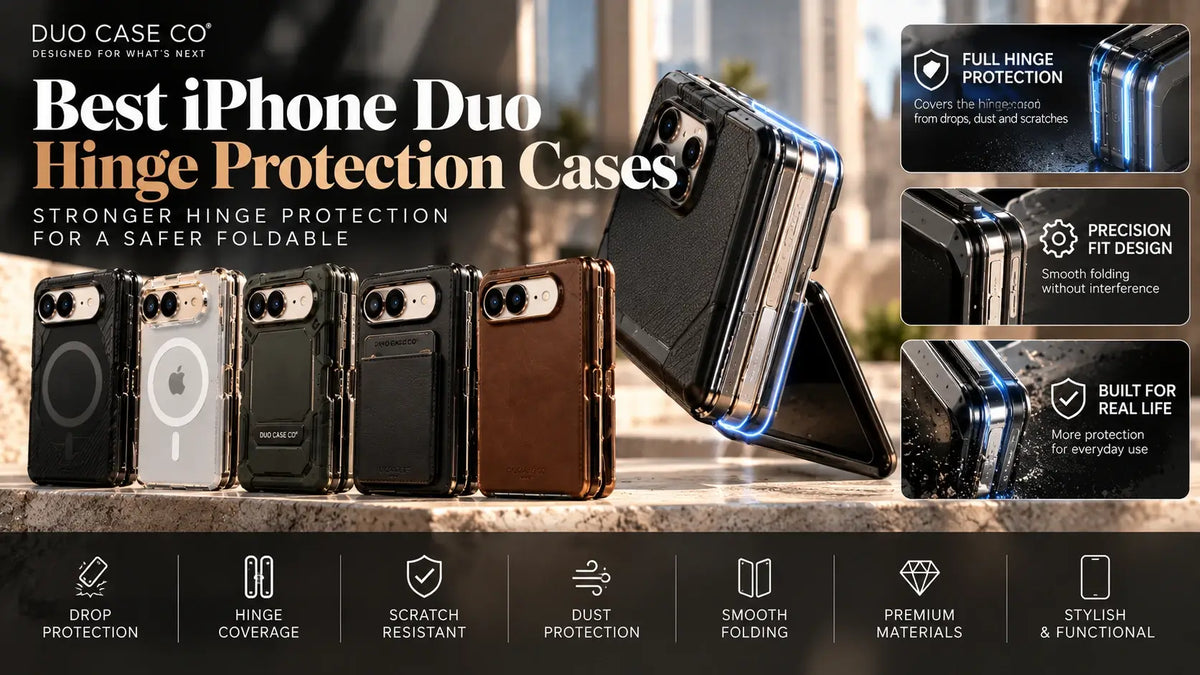
The first drop is the expensive one. On a foldable, the case also covers the hinge, which becomes an outer edge when the phone is folded. Choose a case that lists hinge protection.
-
The 5.4″ outer screen faces out when the Duo is folded, like a regular phone screen. Either choose a case with built-in front glass or add a protector now.
3-pack outer screen protector ($24.95) · Cases with built-in glass
-
If you want a film on the inner screen, apply it later in a dust-free room (a steamy bathroom works), with the phone open flat. Use only a flexible film, such as hydrogel, on top of Apple’s layer. Never use tempered glass on a folding screen.
Privacy screen protector, inner + outer ($24.95) · Inner screen guide
-
Open the Duo and run two apps side by side, a first on iPhone. You can even open two windows of the same app, such as Safari. Save pairs you use often so you can bring them back in one tap.
-
Put the Duo down and StandBy can start on whichever screen faces up, even when it isn’t charging. Pick a Clock, Calendar, Weather or Photos face. In the Camera, try Duo Preview: it shows the live picture on the outer screen so the people you’re photographing can see it.
-
Snap the Duo onto a MagSafe charger folded: 25W with MagSafe or Qi2. If you use a car mount, mount it folded only. Opened, the mount holds one half and the hinge takes the weight.
-
Apple only lets you add AppleCare+ for a limited time after you buy (check the window for your country in Settings). For a foldable this decision matters more: the reported US fees with AppleCare+ are $19 for the inner cover layer, $29 for the outer screen and $99 for the inner screen.
6 day-one mistakes to avoid
| Mistake | Why it matters | Do this instead |
|---|---|---|
| Peeling the inner screen layer | It hides the crease and protects the display. Replacing it is a service job. | Leave it on. Add a flexible film on top if you want extra protection. |
| Tempered glass on the inner screen | Glass can’t fold. It will crack or lift at the hinge. | Use hydrogel or a similar flexible film. |
| Using it with no case “just for today” | Folded, the hinge is an exposed outer edge. | Have the case ready on day one. |
| Closing it on something | A crumb, an earbud or a card between the halves presses on the inner screen. | Glance at the screen before you fold it. |
| Mounting it open | The magnets are on one half, so the hinge takes the weight. | Use mounts and stands with the phone folded. |
| Skipping the AppleCare+ decision | You can only add it for a limited time after purchase. | Decide in week one. |
Your day-one kit
What do you still need?
Tick what you already have:
Your first week with the iPhone Duo
- Day 1–2: apply the inner film if you’re using one, and leave the phone open and flat for a few hours afterwards.
- Day 3: clean grit from around the hinge and inside the case. Pockets collect more than you’d expect.
- Day 5: look at the crease again in daylight. It should look the same as on day one. A change worth checking is one that grows, not one you can see.
- Day 7: make your AppleCare+ decision and check which apps have been updated for the inner screen. Netflix, Zoom and Slack were among the first.
Frequently asked questions
Should I remove the screen protector on my new iPhone Duo?
Remove only the shipping wrap. The matte layer on the inner folding screen is Apple’s factory cover layer, which hides the crease. Don’t peel it: Apple says it’s replaceable, but as a service job.
Does the iPhone Duo have a SIM card slot?
No. The iPhone Duo is eSIM-only worldwide, with no physical SIM tray. Your number can usually be transferred during setup. If you’re moving from a physical SIM or another phone brand, check with your carrier first.
Does the iPhone Duo have Face ID?
The iPhone Duo uses Touch ID built into the side button. Register more than one finger, because you’ll hold it differently folded and open. An Apple Watch can also unlock it.
Is the iPhone Duo waterproof?
It’s rated IP68 for dust and water resistance. That’s resistance, not waterproofing, and Apple’s warranty doesn’t cover liquid damage.
What should I buy with an iPhone Duo?
A case that covers the hinge, protection for the 5.4″ outer screen (built into the case or a separate protector), and optionally a flexible film for the inner screen. A MagSafe charger is useful, since the Duo charges at up to 25W wirelessly.
Can I use split screen on the iPhone Duo?
Yes. iOS 27 brings Split View to the Duo, the first iPhone to run two apps side by side, including two windows of the same app. You can save app pairs.
Is a visible crease on a new iPhone Duo normal?
A faint line visible at an angle or in reflections is normal on folding screens. Apple’s cover layer is designed to minimise it and can be replaced if it wears.
Disclosure: Duo Case Co sells the cases and protectors linked in this guide. iPhone Duo features (eSIM-only, Touch ID, IP68, iOS 27 Split View, StandBy and Duo Preview, MagSafe 25W) are from Apple, as reported by MacRumors, TechRepublic and Finder; AppleCare+ fees are as reported for the US. Setup steps can vary by carrier and country. Duo Case Co is an independent accessories company and is not affiliated with, sponsored by or endorsed by Apple Inc. iPhone, Touch ID, MagSafe and AppleCare are trademarks of Apple Inc.


Leave a comment
This site is protected by hCaptcha and the hCaptcha Privacy Policy and Terms of Service apply.