
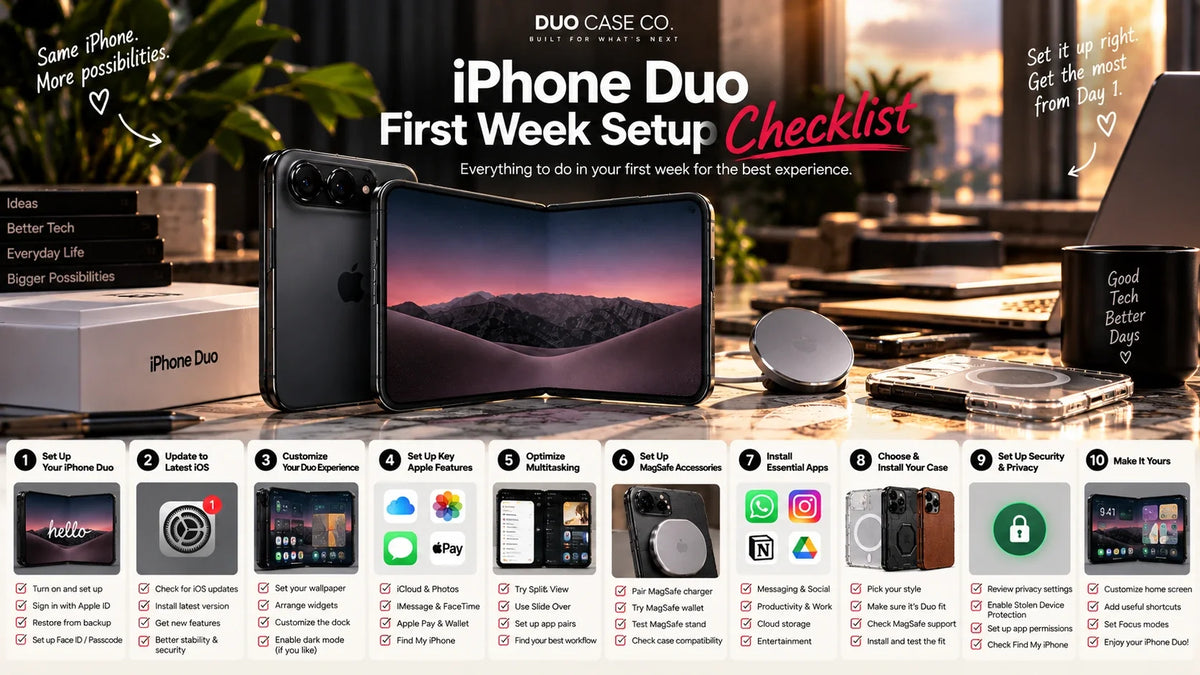
The iPhone Duo is the first iPhone that asks you to learn new habits. It unlocks with Touch ID instead of Face ID. It has no SIM tray. It has two screens that need different protection, a hinge that should never close on anything, and magnets that only work properly when it is folded. None of this is difficult, but almost all of it is different from the iPhone you are coming from.
The first week also matters more than usual. It is when you are still learning how a new phone sits in your hand and your pocket — and this one weighs 254 g, folds in the middle and has an outer screen that faces your keys. This checklist puts everything in order, one day at a time. Tick items off as you go; your progress is saved in this browser.
- Fit an outer screen protector on the bare phone, before anything else.
- Put the case on, and check the phone still closes flat.
- Move your number to eSIM — the Duo has no SIM tray.
- Register more than one finger for Touch ID.
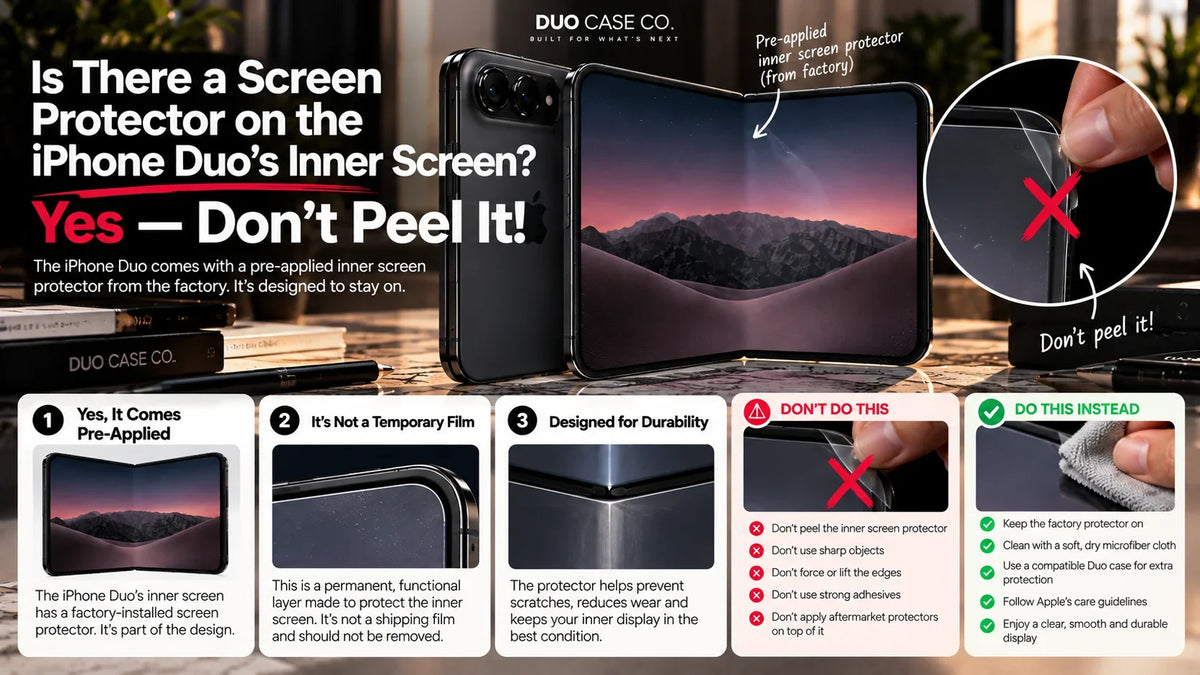
- Leave the inner screen exactly as it arrived. Do not peel anything off it.
Before it arrives
Before delivery
The week before 23 OctoberDay 1: unbox, protect, set up
The order matters on day one. Protect the phone before you start using it, not after, and set up the things that are new to the Duo before the things that are familiar.
Day 1
About an hour, start to finishDays 2–3: learn the fold
This is where the Duo differs most from any phone you have owned. The aim is to build a few habits while the phone is still new, so they are automatic by the time you stop thinking about it.
Days 2–3
Habits, not settingsDays 4–5: accessories and charging
Days 4–5
MagSafe, mounts and Apple PencilDays 6–7: settle in and check
By the end of the week you know how you use the phone. That is the right moment to check the things that only show up with use, and to make the decisions that have a deadline.
Days 6–7
Checks and deadlinesThe six habits that protect a folding phone
Nothing between the screens, ever. It closes within 0.9 mm.
Open drops load the hinge. Folded drops do not.
Protect the outer screen. Leave the inner one as it arrived.
The magnets are in one half. Never hang it open.
No wipes or sprays on the inner screen until Apple says otherwise.
Keys and coins scratch the outer screen.
Coming from Face ID, a slab iPhone or a Galaxy Fold
| If you are coming from… | What will feel different | What to do |
|---|---|---|
| An iPhone with Face ID | Unlocking with your finger again; no unlocking by glancing at it | Register several fingers on day one, and turn on Apple Watch unlock |
| An iPhone with a SIM tray | No physical SIM, anywhere | Convert to eSIM before the phone arrives; use travel eSIMs abroad |
| A Pro Max | Shorter but thicker in the pocket; no telephoto camera; less battery on the big screen | Charge more often if you live on the inner screen |
| A Galaxy Z Fold | A wider, shorter shape and an IP68 dust rating | Your old cases and protectors will not fit; the Duo needs its own |
| A Pixel Fold or other foldable | The same fold habits apply | Apply the six habits above; the Duo closes flatter than most |
What to have for week one

3-Pack Outer Screen Protector for iPhone Duo
$19.95
For the 5.4″ outer screen — the one that faces your pocket. Three in the pack, so a botched first install or an edge that lifts in week one is a free fix. We do not sell an inner-screen protector, deliberately.
Shop the 3-pack
Magnetic Hinge Protection Case for iPhone Duo
$49.95
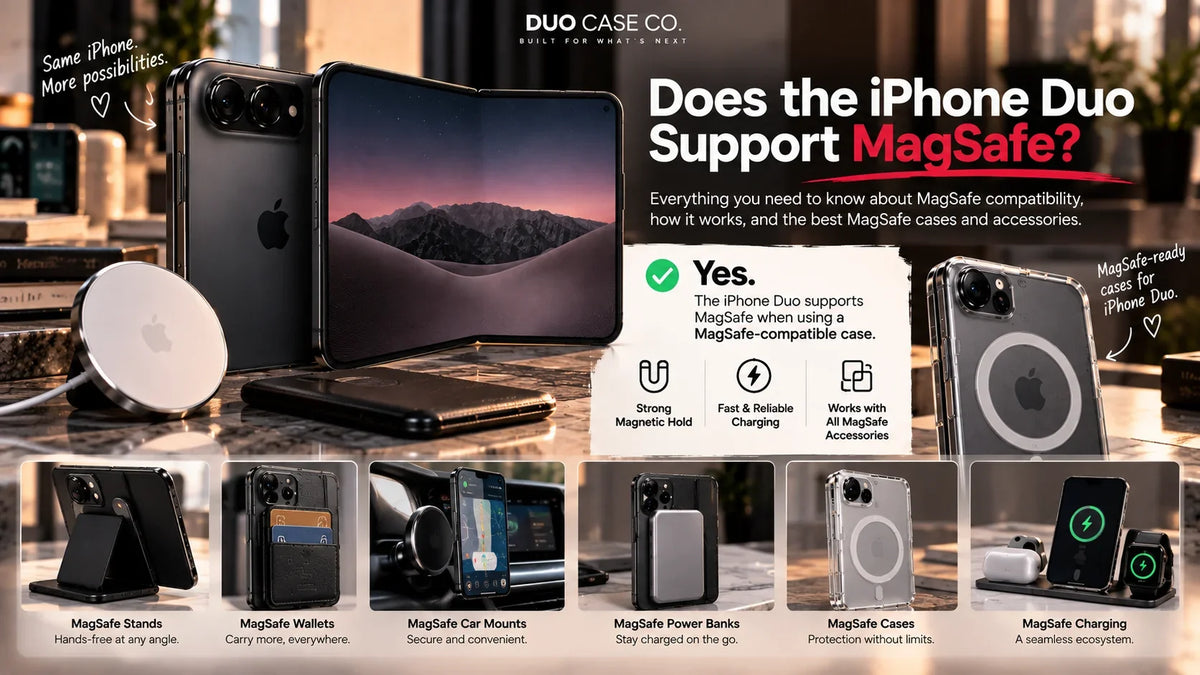
Covers the closed spine without anything that stops the phone closing flat, and has magnets built in for MagSafe charging. With the protector, $69.90 covers both exposed surfaces from the first day.
Shop this case
Hinge Stand Pen Case for iPhone Duo
$49.95
If you set up an Apple Pencil, this is where it lives: a pencil slot, a stand for writing on the inner screen, and spine protection.
Shop this case
MagSafe Leather Wallet Case for iPhone Duo
$49.95
Card storage built into a case sized for the Duo, instead of a MagSafe wallet sized for a taller iPhone. Cards sit on the outside, so it still closes flat.
Shop this caseFrequently asked questions
What should I do first when I get my iPhone Duo?
Inspect it, then fit an outer screen protector on the bare phone, then fit the case and check the phone still closes flat. After that, transfer your data, move your number to eSIM and set up Touch ID with several fingers.
Should I peel the film off the iPhone Duo's inner screen?
No, unless Apple's instructions in the box tell you to. Folding phones from other makers ship with a protective layer on the inner screen that is part of the display. Apple has not said whether the Duo has one, so leave the inner screen as it arrived.
Does the iPhone Duo have a SIM card slot?
No. Apple's specifications list dual eSIM with no physical SIM support. Convert your number to eSIM with your carrier, ideally before the phone arrives.
Does the iPhone Duo have Face ID?
No. It uses Touch ID in the side button and can also be unlocked with an Apple Watch. Register more than one finger so it unlocks however you hold it.
How do I clean the iPhone Duo's inner screen?
With a dry microfibre cloth. Apple has not published cleaning guidance for the inner screen's nano-texture finish, so avoid wipes, sprays and alcohol until it does.
Can I put a screen protector on the iPhone Duo?
On the 5.4″ outer screen, yes. Not on the 7.6″ inner folding screen — it is flexible and has a nano-texture finish a film would cover.
How do I avoid damaging the iPhone Duo hinge?
Check nothing is on the inner screen before closing it, fold the phone before you stand up or move, and never put it on a magnetic mount while it is open.
How fast does the iPhone Duo charge?
Apple quotes up to 50% in about 20 minutes wired with a 60W or higher adapter, and about 30 minutes on MagSafe with a 35W or higher adapter.
Should I get AppleCare+ for the iPhone Duo?
For most owners it is worth considering. Apple has not published iPhone Duo repair pricing. You can usually add it for a limited time after purchase, so decide in the first week and check the deadline for your country.
Disclosure: This checklist is published by Duo Case Co, which sells iPhone Duo cases and screen protectors. Device details — Touch ID, Apple Watch unlock, dual eSIM with no physical SIM, MagSafe and Qi2 at up to 25W, charging times, Apple Pencil (USB-C) support, nano-texture inner display, battery figures and dimensions — are from Apple's published iPhone Duo technical specifications. StandBy without charging is as reported in AppleInsider's hands-on coverage. Apple has not published inner-screen cleaning guidance, Duo-specific Apple Pencil pairing steps, iPhone Duo repair pricing, or whether the inner screen ships with a factory layer; this page says so wherever it applies. AppleCare+ and return windows vary by country; check Apple's terms for yours. Duo Case Co is an independent accessories company and is not affiliated with, sponsored by or endorsed by Apple Inc. Apple, iPhone, iPhone Duo, Apple Pencil, Apple Watch, AppleCare+, Face ID, Touch ID, iCloud, MagSafe, Quick Start and StandBy are trademarks of Apple Inc.

Leave a comment
This site is protected by hCaptcha and the hCaptcha Privacy Policy and Terms of Service apply.